
Instagram giveaway winner video
Sized for Reels and Stories at 9:16, or 4:5 for the feed. Type the winner, or let the site draw from the comments on your post.

Neon Night, playing live. Sample names are invented.
Templates that fit
 Free
Confetti Cannon
A drumroll of names, then two cannons fire and the winner lands in a shower of confetti.
Premium
Neon Night
A glowing neon sign flickers on with the winner over a retro synthwave grid.
 Premium
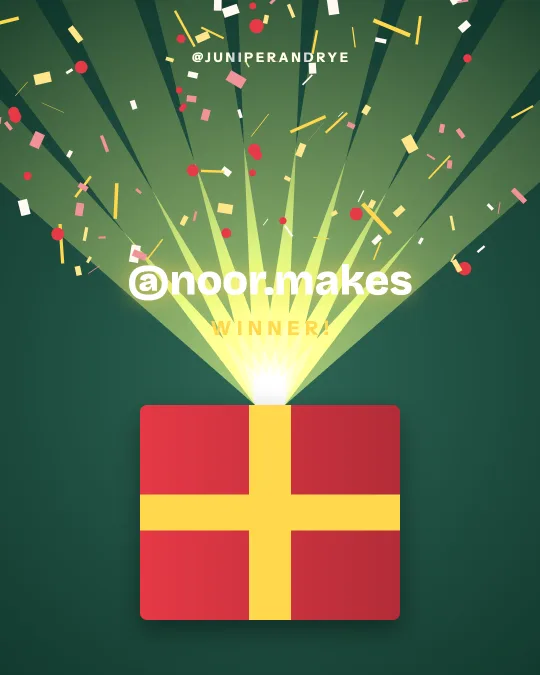
Gift Box
A wrapped present shakes, the lid flies off and the winner bursts out. Made for product and holiday giveaways.
 Premium
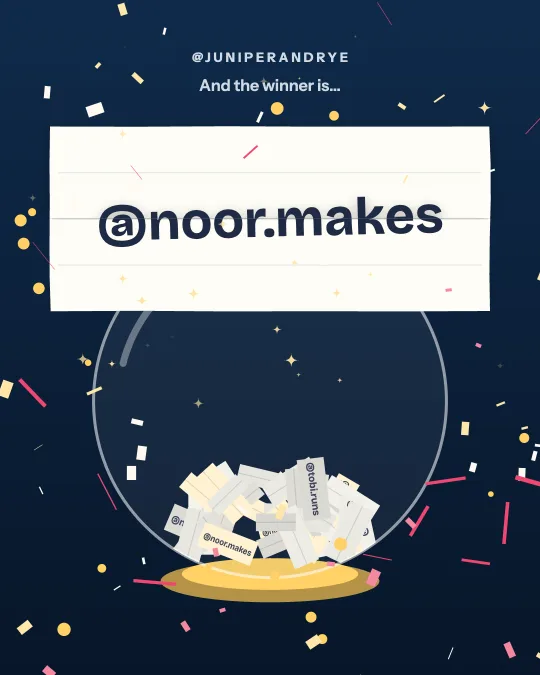
Raffle Bowl
Every entrant’s slip tumbles in a glass bowl, real names flashing past, until one rises out and unfolds.
 Premium
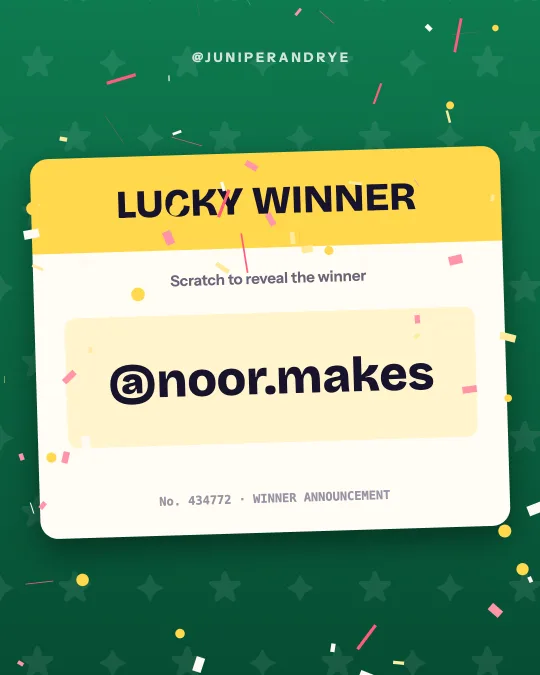
Scratch Card
A lucky ticket: a coin scratches the silver off to show the winner underneath.
 Premium
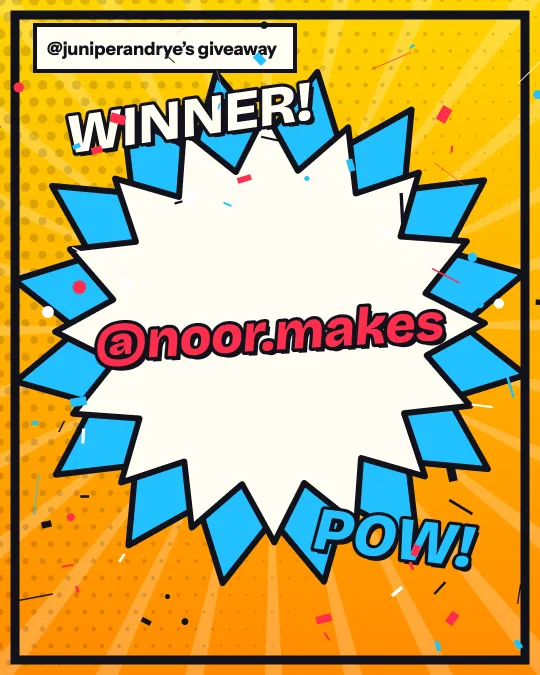
Comic Pop
Halftone dots, speed lines and a big POW when the winner lands.
How it works
Type who won
One name or @handle, or several (up to 200). The first five each get their own reveal.
Pick a template
Browse 50 styles by holiday, industry or look. Each one plays with your names as soon as you tap it.
Make it yours
Choose a color set or your own colors, add a logo, and pick 9:16, 4:5 or 1:1.
Download and post
Confetti Cannon and Classic Roll download free with a small winnerreveal.com credit. Every other template is $4.99 for that video, or included with WinnerReveal Pro.
The right shape for each place on Instagram
Reels and Stories are 9:16, 1080 by 1920 pixels. That is the default shape in the studio. Instagram covers the top of a Story with your profile row and the bottom with the reply bar, and it covers the bottom of a Reel with the caption. Most templates land the winner's name around the middle of the frame, clear of those areas. Watch the preview once before you post.
A feed post shows best at 4:5, 1080 by 1350, which takes more of the screen than a square. Choose 1:1 only if your grid depends on squares. You can download all three from the same video.
A posting plan that works
Post the video as a Reel so it reaches people who do not follow you yet. Share the Reel to your Story and tag the winner there, since a tagged Story sends them a notification and lets them reshare it. Add the Story to a highlight called Winners. Then comment on the original giveaway post with "Winner announced, see our latest Reel" and pin that comment. Entrants who come back to the post know where to look.
Send the winner a direct message from your own account as well. Scam accounts copy giveaway hosts and message entrants, so say in your caption that you will only ever contact the winner from this account.
Drawing from the comments
If entry was by comment, paste the post link under Pick the winner for me. The site reads the public comments on the post, free up to 1,000 comments, and you can require a number of tagged friends, require a word or hashtag, count one entry per person and exclude accounts. It draws winners and backups and creates a results page with the seed and entry list fingerprint. No Instagram login is asked for at any point.
Then the studio opens with the drawn names and you choose the template. A real draw keeps its results page, and the video footer can say so.
If you already picked
If you type the name yourself, WinnerReveal announces it and says "announced winner". It never dresses a typed name up as a random draw. If you want the pick itself to be checkable, use Pick the winner for me: the site draws from your list or from the post's comments and publishes a record anyone can rerun.
Every template comes in three shapes from the same design: 9:16 (1080 x 1920), 4:5 (1080 x 1350) and 1:1 (1080 x 1080). Pick the shape in the studio, download, then switch shape and download again if you post in more than one place.
What it costs
Previews are free. Confetti Cannon and Classic Roll download free with a small site credit; any other template is $4.99 for that video, or included with WinnerReveal Pro at $9 a month.
Questions
Do you need my Instagram or TikTok login?
No. Typed names and pasted lists need nothing. A link draw reads the public comments from the link and never asks for a password.
Does it pick the winner?
Only if you ask. Typing a name makes an announcement for that name and never calls it a draw. To pick at random, paste a list of names (free at any size up to 500,000 entries) or a post link, and the site draws the winner and publishes a record anyone can check.
Can I add music?
The file is silent. Add a sound in Instagram when you post the Reel, which also helps reach.
What sizes and formats do I get?
9:16 (1080 x 1920), 4:5 (1080 x 1350) and 1:1 (1080 x 1080). The file is MP4 where your browser can record MP4 and WebM otherwise. Videos are silent so you can add your own sound when you post.
Is WinnerReveal free?
Every one of the 50 templates previews free, with a watermark across the preview. Confetti Cannon and Classic Roll download free with a small winnerreveal.com credit. Downloading any other template, or using your own colors and logo, is $4.99 for that video or included with WinnerReveal Pro.