
How to announce a giveaway winner
A practical order of steps, from the moment the giveaway closes to the moment the prize ships.
Templates that fit
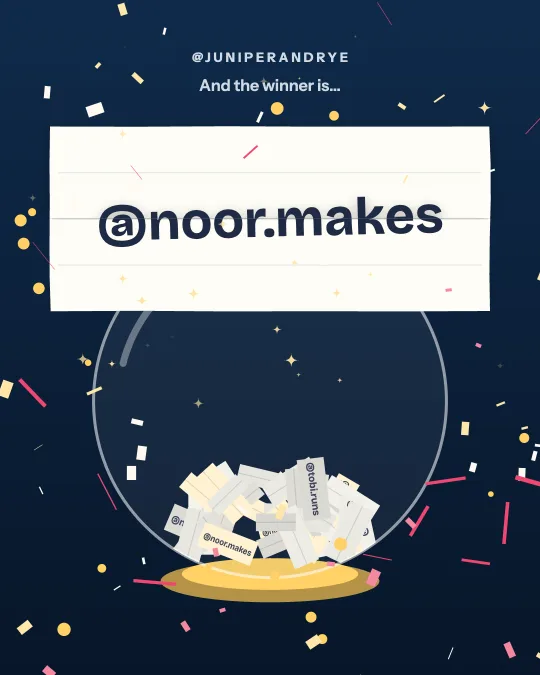 Premium
Raffle Bowl
Every entrant’s slip tumbles in a glass bowl, real names flashing past, until one rises out and unfolds.
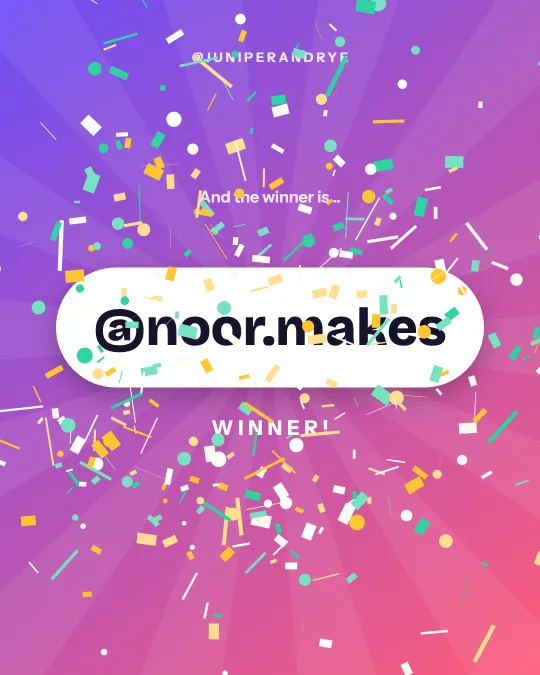 Free
Confetti Cannon
A drumroll of names, then two cannons fire and the winner lands in a shower of confetti.
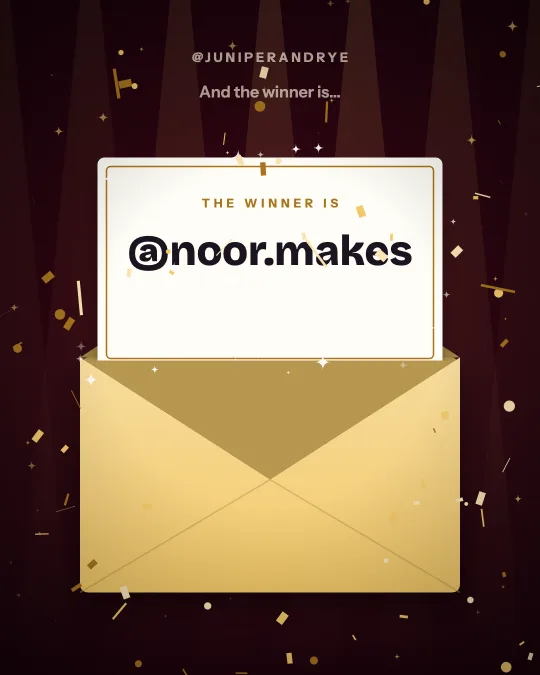 Premium
Golden Envelope
Awards night: a golden envelope opens and the winner’s card rises out.
 Premium
Spotlight
Two beams sweep a dark stage and find the winner in gold.
1. Close entries when you said you would
The announcement starts with the close. End the giveaway at the date and time in your rules, and mark it: edit the caption to add "Closed", or comment "Entries are now closed, winner announced tomorrow". Late entries cause more arguments than anything else, and a visible closing time settles them.
2. Pick the winner, and backups, the way you promised
If your rules said a random draw from the comments, do exactly that, and be able to show it. A draw that publishes its entry count, rules and a way to check the result protects you when someone asks whether a friend won. Pick one or two backups in the same draw, so a winner who never replies does not force a second draw that looks like you changed your mind.
If the winner was chosen by judges or votes, say that in the announcement. Do not present a judged result as a random one or the other way round.
3. Contact the winner privately first
Send a direct message from the account that ran the giveaway before you post anything. Say which giveaway, what they won, what you need from them (usually a shipping address or an email) and by when. Forty-eight hours is a common deadline, and it should match your rules. Check they still meet the entry conditions, for example that they follow the account if that was required.
Many hosts announce publicly at the same moment. That is fine for small prizes. For anything valuable, wait for the reply so the public announcement names someone who has accepted.
4. Announce publicly, in a form people will watch
Use a short video or a clear image with the winner's handle, your handle and the word "winner". Put the rest in the caption: the prize, thanks to everyone who entered, how the winner was picked, and the line about fake accounts below. A reveal video gets watched by people who did not win, which is the audience you ran the giveaway to reach. You can make one above in about a minute.
Tag the winner in the post or Story so they are notified and can reshare.
5. Protect your entrants from impostors
Within hours of a popular giveaway closing, copycat accounts message entrants with "you won, click here". Add one sentence to every announcement: "We will only contact the winner from this account, and we never ask for payment or card details." Report impostor accounts and tell your followers to do the same.
6. Make the announcement easy to find
Go back to the giveaway post and pin a comment: "Winner announced, see our latest post." Add the announcement to a Story highlight. If you have a results page for the draw, link it in your bio for a week. People check days later, and an announcement they cannot find reads as no announcement.
7. If the winner does not reply
Wait for the deadline you gave, send one reminder halfway, then move to the first backup and say so publicly in a short update: "Our first winner did not respond within 48 hours, so the prize goes to our backup winner." Announce the backup the same way you announced the winner.
8. Deliver, then show it
Ship the prize promptly and keep the tracking number. If the winner posts about it, reshare it. A photo of a real person with the prize is the best evidence that your next giveaway is worth entering.
For the words themselves, see winner announcement wording and captions, which has twenty examples to copy.
Questions
When should I announce the winner?
On the date in your rules, ideally within 24 to 48 hours of the giveaway closing. Announce the date in advance so entrants know when to look.
Should I announce before the winner replies?
For small prizes it is common to message the winner and announce at the same time. For valuable prizes, wait until they have replied and you have checked they are eligible.
How long should a winner have to claim the prize?
Forty-eight hours is typical for social media giveaways, and up to a week for larger promotions. Whatever you choose, write it in the rules and repeat it in your message.
Do I have to show how the winner was picked?
Rules vary by country and platform, but showing it is good practice. A results page with the number of entries, the rules applied and a way to rerun the draw answers most complaints before they are made.
Does it pick the winner?
Only if you ask. Typing a name makes an announcement for that name and never calls it a draw. To pick at random, paste a list of names (free at any size up to 500,000 entries) or a post link, and the site draws the winner and publishes a record anyone can check.